
Reading your analytics
What the numbers on the Analytics page mean.
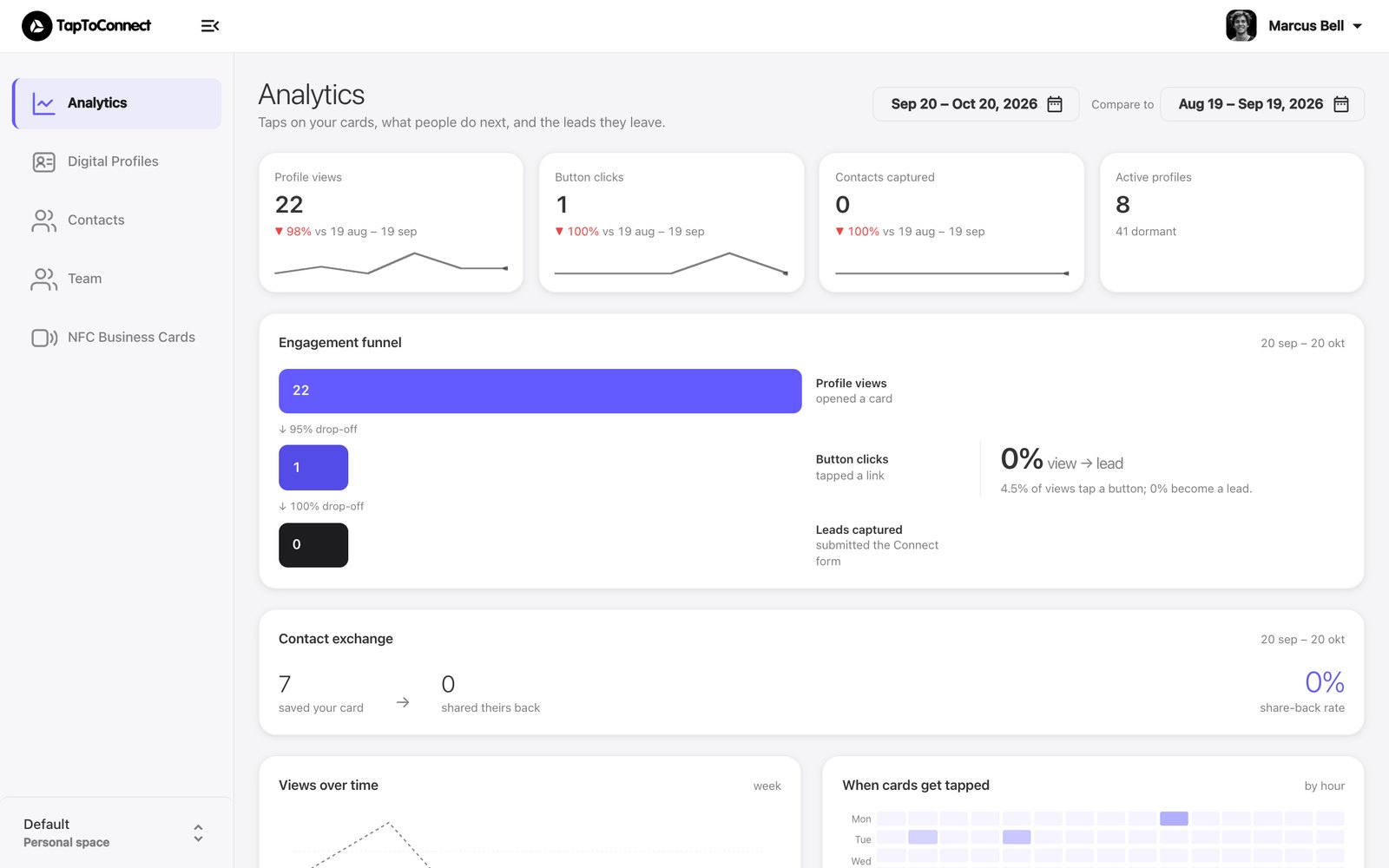
After logging in you land on Analytics. In the top right you choose the period, and under Compare to the period to compare with.
| Number | Meaning |
|---|---|
| Profile views | How often a profile was opened, by tapping, scanning or the link. |
| Button clicks | How often a button on your profile was pressed. |
| Contacts captured | How many people left their details via Connect. |
| Active profiles | How many profiles were viewed in this period. |
Further down the page
- Engagement funnel: from viewed to clicked to lead, and where people drop off.
- Contact exchange: how many people saved your details and how many shared theirs back.
- Views over time: profile views per week.
- When cards get tapped: the days and hours with the most taps.
Want the numbers for one profile? Go to Digital Profiles and click the chart icon next to that profile.