
Viewing and exporting your contacts
All leads in one place, and in Excel or your CRM.
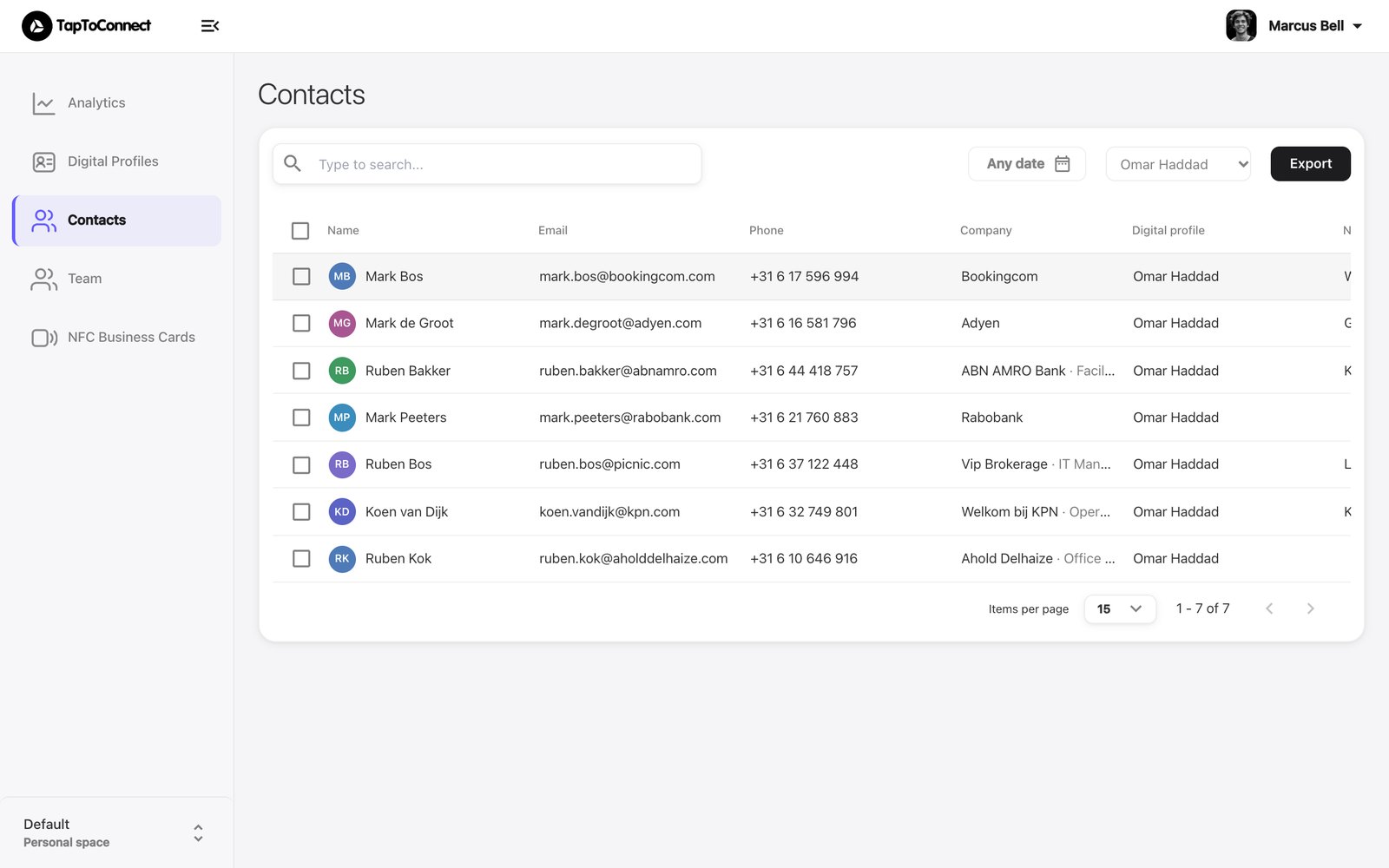
Go to Contacts in the sidebar. You see everyone who left their details via Connect, with name, email, phone, company and the profile they used.
Filtering
- Choose a period under Any date.
- Choose a profile under All profiles to see only that profile's contacts.
Exporting
Click Export. You download a file to open in Excel or import into your CRM or mailing tool. If you filtered first, only those contacts are exported.
Opening a contact
Click a contact for all details. You can add a note, edit the details or save the contact to your phone with Save as .vcf.