
Linking a card to a different profile
Choose which profile opens when someone taps your card.
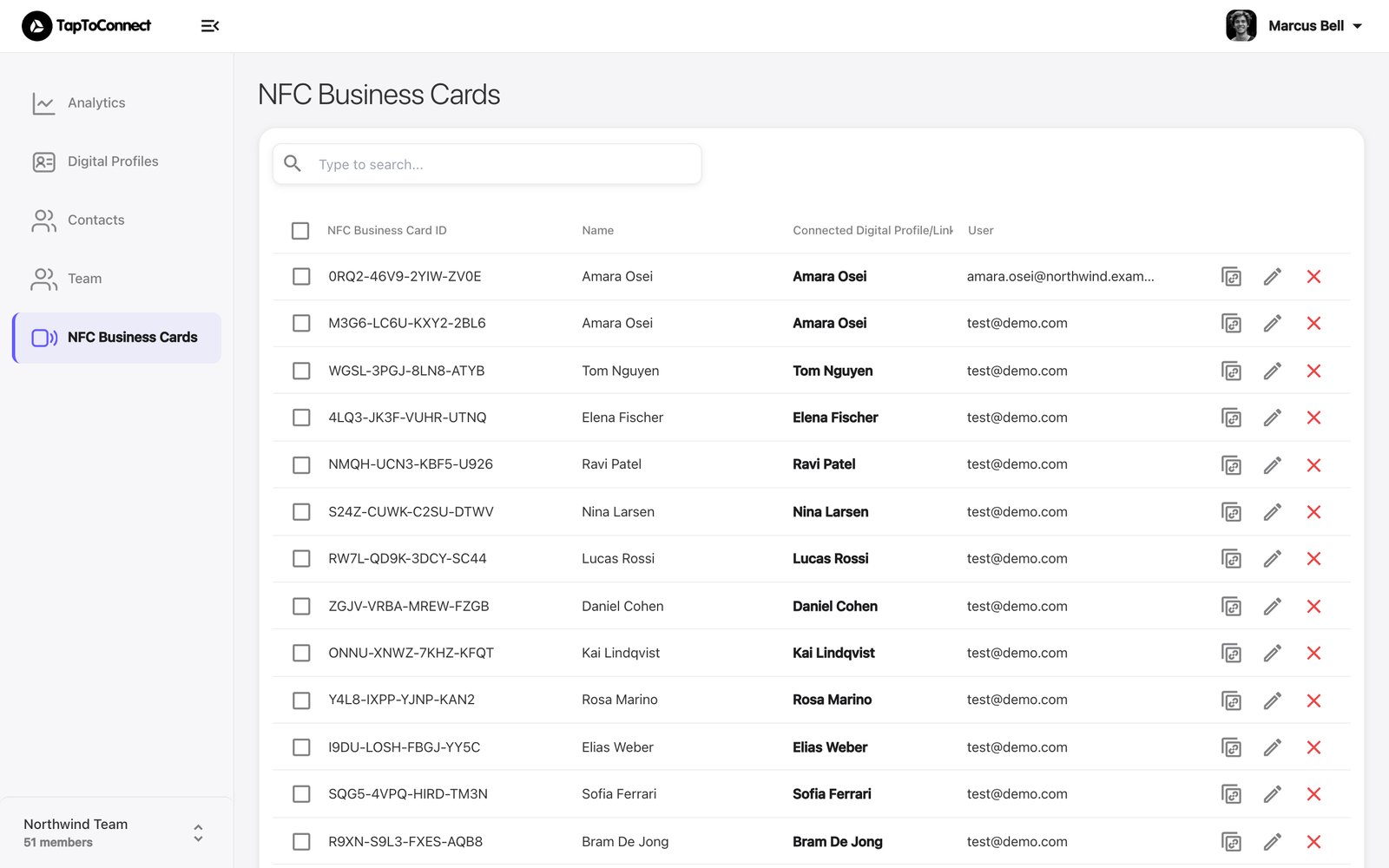
- Go to NFC Business Cards in the sidebar. You see all your cards with their code and linked profile.
- Click the pencil next to the card.
- Under Connected Digital Profile/Link, choose the profile the card should open.
- Click Save.
The card opens the new profile straight away. The code is also printed on the back of your card, or shown in the link you see when tapping.
Adding a new card
You don't add a new card on this page. Tap it with your phone and it is linked to your account. See Linking your card.