
Linking your card
The first tap links your card to your account and your profile.
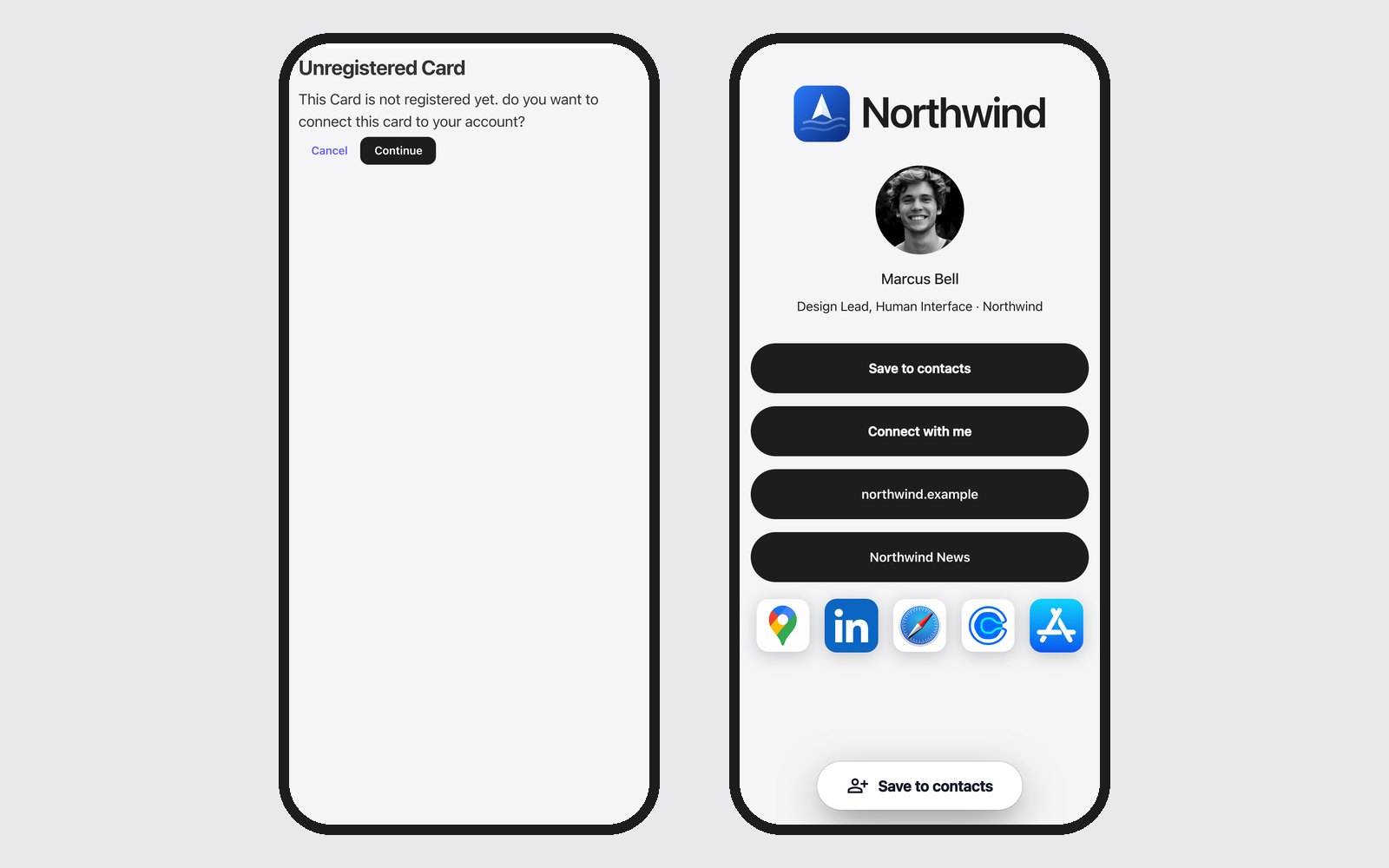
A new card is not linked yet. You do this once, with your own phone.
- Tap your card against your phone. You see the Unregistered Card screen.
- Click Continue. If you are not logged in yet, log in first.
- Choose the profile your card should open under Which profile should this card open? If you only have one profile, it is chosen for you.
- You see Your card is ready. Done!
Tap your card again to check that your profile opens.
Did we deliver your cards already linked to your profile? Then there is nothing to do: tapping opens your profile right away.
Choosing a different profile later
You can always change which profile your card opens. See Linking a card to a different profile.