
Your QR code
Download your profile’s QR code and give it your own style.
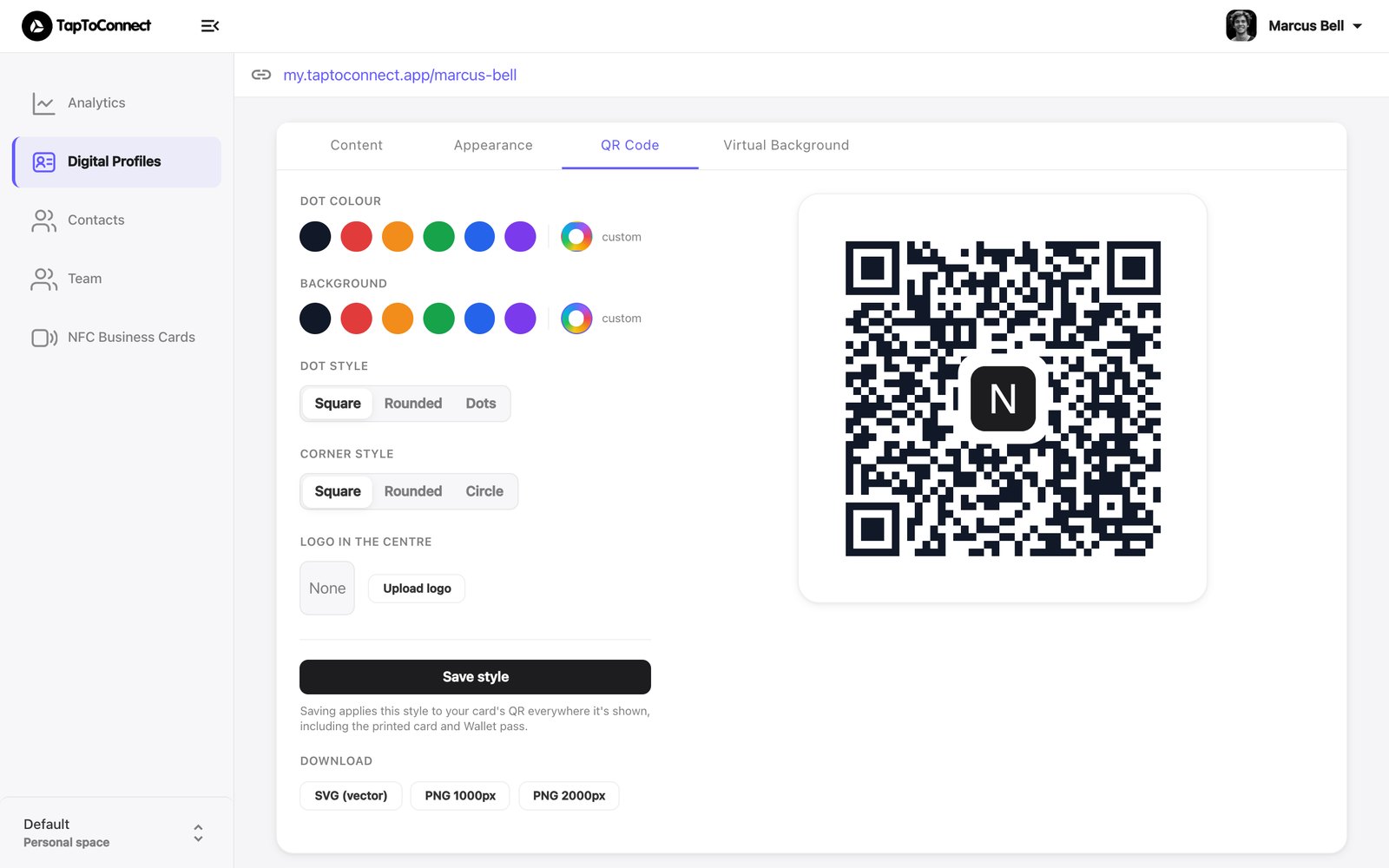
Every profile has its own QR code. Useful for your email signature, a presentation or a banner at a trade fair.
- Open your profile in the editor and go to the QR Code tab.
- Choose the colour of the dots (Dot colour) and the background (Background).
- Choose the shape of the dots (Dot style) and the corners (Corner style).
- Want your logo in the middle? Click Upload logo.
- Click Save style.
Under Download, choose a format:
- SVG (vector) for print: sharp at any size.
- PNG 1000px or PNG 2000px for digital use.
Keep enough contrast between the dots and the background, or some phones can't read the code. Always test it with your own camera.