
Virtual background for video calls
A background for Teams, Zoom and Meet with your QR code on it.
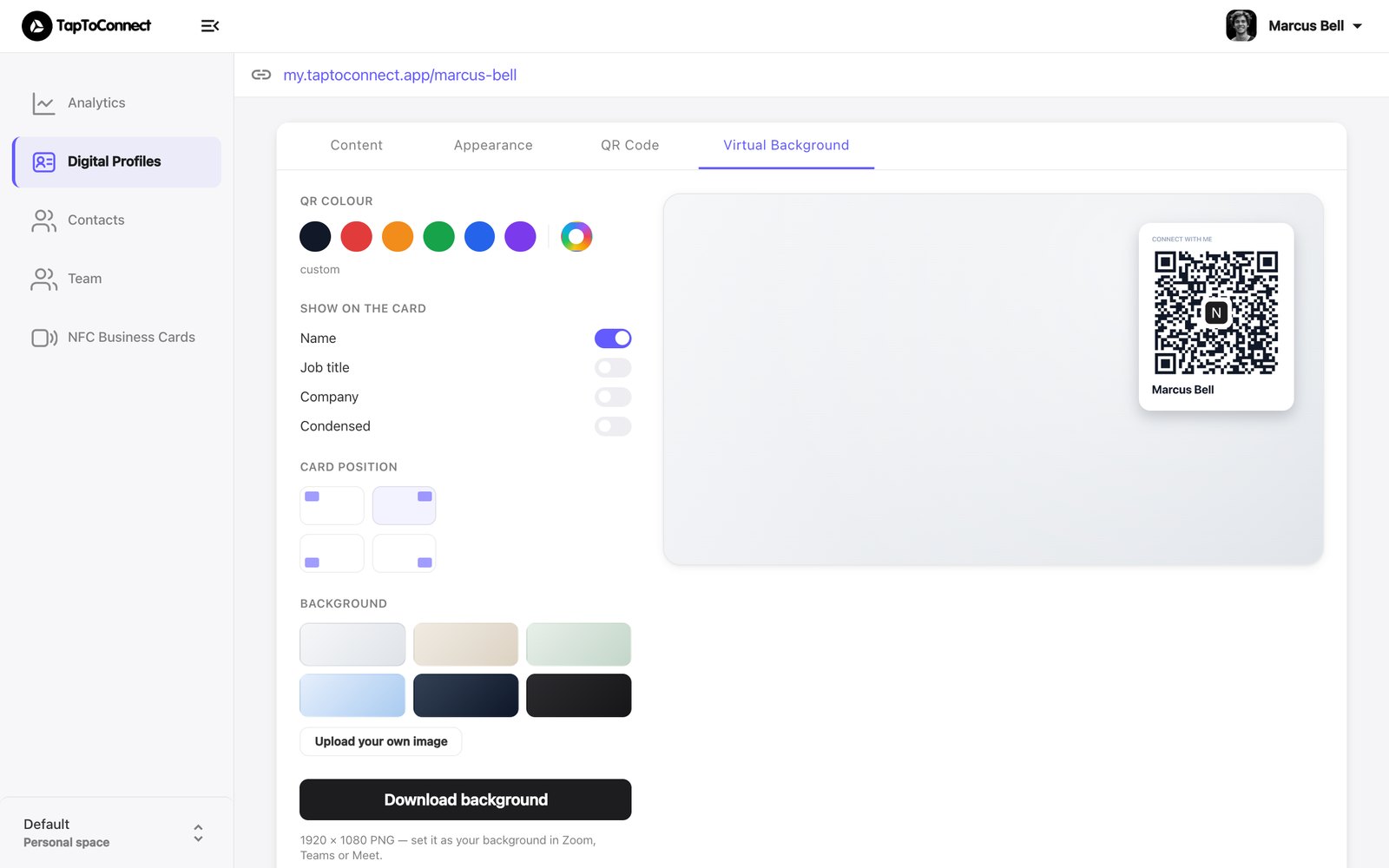
With a virtual background, everyone in your video call sees your QR code. They can save your details without typing them.
- Open your profile in the editor and go to the Virtual Background tab.
- Under Show on the card, choose what appears next to the QR code: your name, job title and company.
- Under Card position, choose where the card appears in the frame.
- Choose a background, or upload your own with Upload your own image.
- Click Download background.
You get an image of 1920 × 1080 pixels. Set it as your background in Teams, Zoom or Google Meet.