
Adding widgets
An overview of all blocks you can put on your profile.
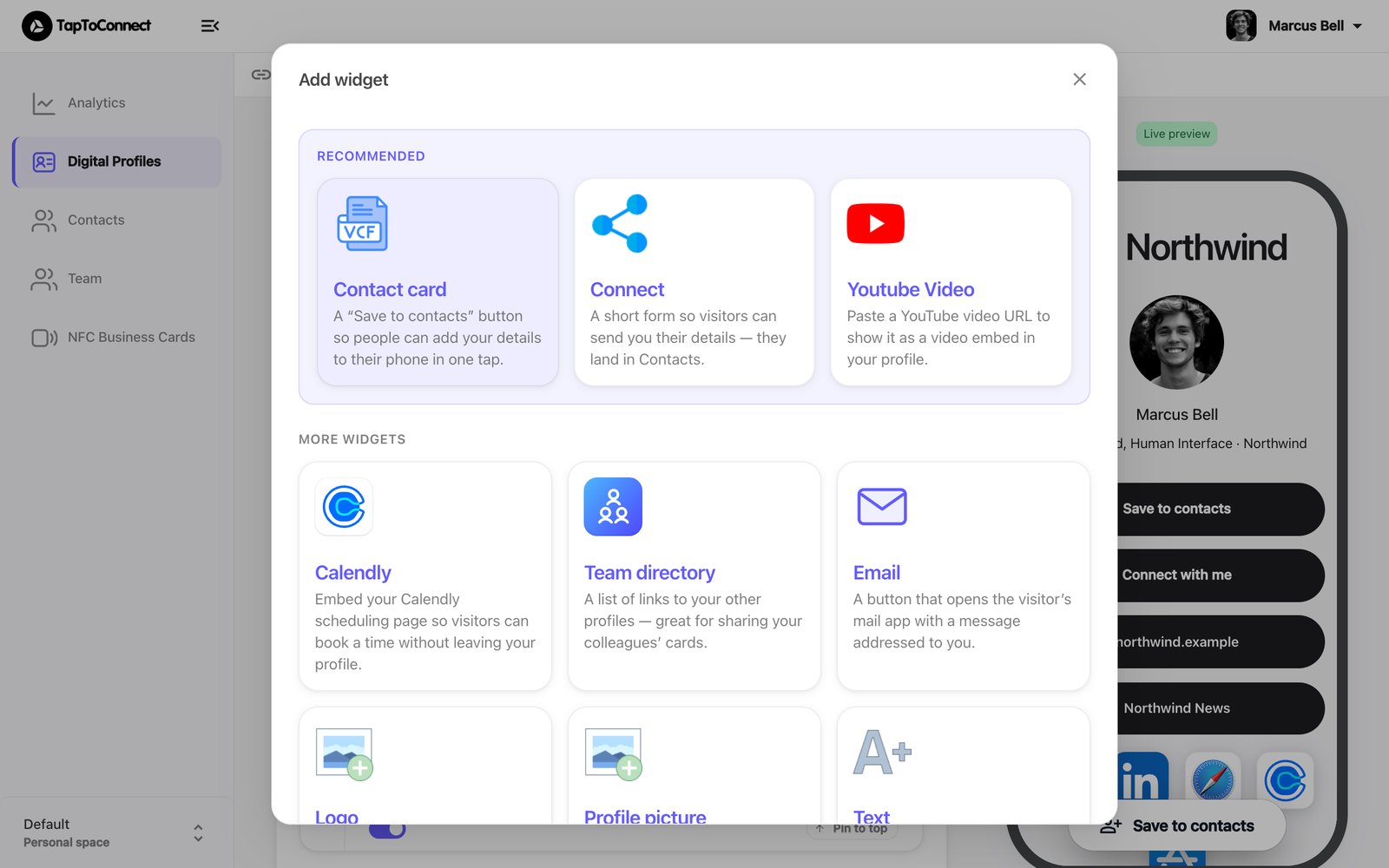
Click Add widget in the editor and choose a block. The three at the top are the ones we recommend to everyone.
Recommended
| Widget | What it does |
|---|---|
| Contact card | The Save to contacts button: the other person adds your details to their phone in one tap. See Save to contacts. |
| Connect | A short form where the other person leaves their own details. See How Connect works. |
| Youtube Video | Paste a YouTube link to show the video on your profile. |
More widgets
| Widget | What it does |
|---|---|
| Logo | A full-width image at the top, such as your company logo. |
| Profile picture | A round profile photo above your name. |
| Text | A title with a short text, for example your name and job title. |
| A button that opens a new email to you. | |
| Social Links | Your social media as small icons. |
| Team directory | A list of links to your colleagues' profiles. |
| Calendly | Your Calendly calendar, so people can book a meeting directly. |
| Vimeo Video, Soundcloud Audio, Spotify Embed | Paste a link to show video or audio on your profile. |